Weighing & intake
Weighbridge software
where the transaction begins.
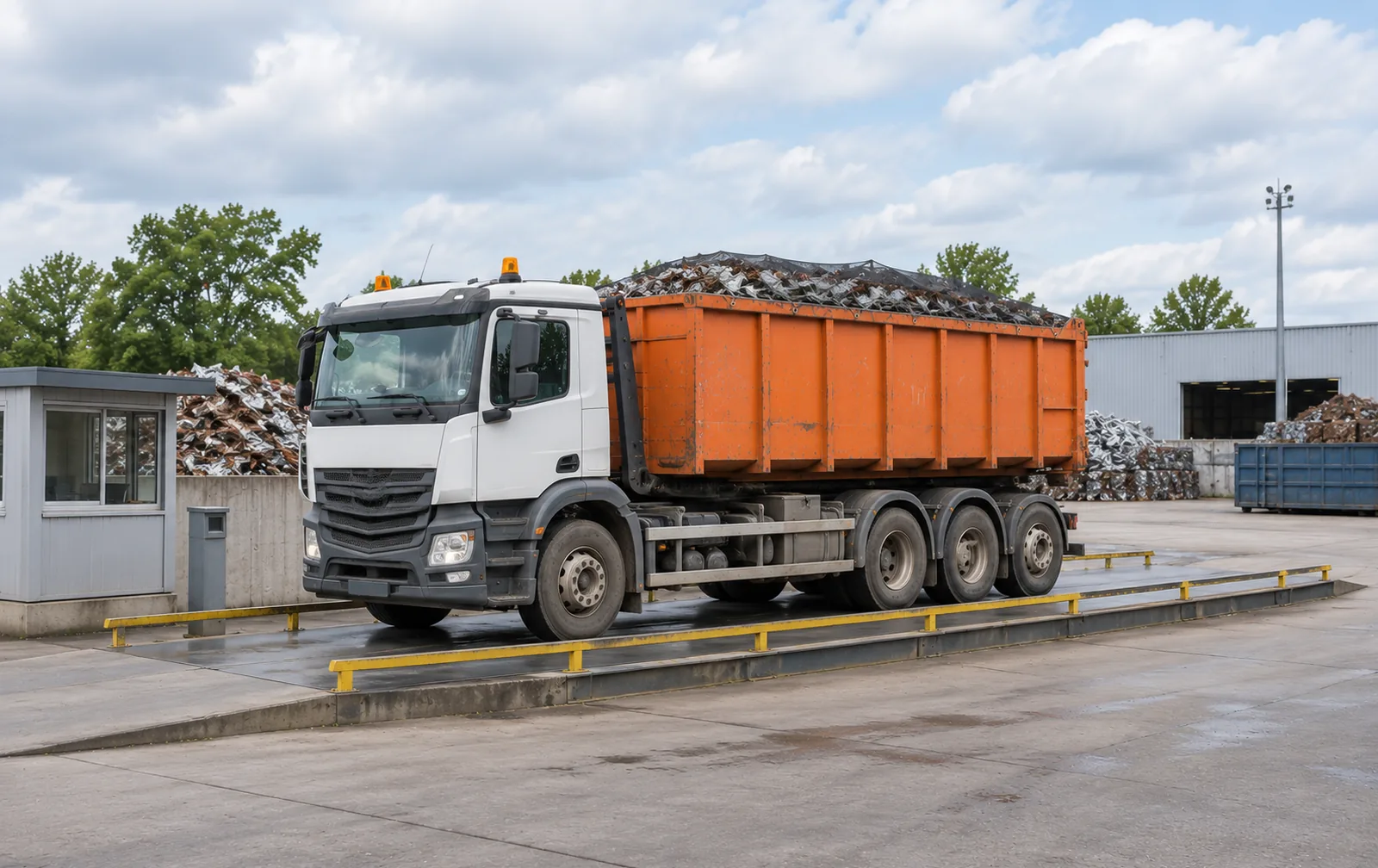
Register every intake once at the weighbridge: partner, vehicle, material and weight. Stock, purchase slip and declaration build on it.
Intake
Weighing
Destination
Who it's for
For companies with a weighbridge on the yard.
- Recycling companies that buy material or have it processed.
- Container services and other companies that weigh loads on their yard.
- A weighbridge ticket at the weighbridge or on a smartphone.
- eID reader and photos with the weighing.
- An intake that is in your stock straight away.
Intake
Weigh and register
in one go.
When a load comes in, you record partner, vehicle, material, weight, price agreement and destination in one go.
Everything belongs to the same operational transaction.
Photos of the intake stay attached to the weighing and the weighbridge ticket, and carry through to the purchase slip.
A correct weighing combines gross, tare and net weight. Read how gross, tare and net at the weighbridge fit together.
Stock
What comes in
is in your stock straight away.
A confirmed intake books the material in at the right location.
Your stock follows what physically happens on the yard.
See stock per material and locationMovement
At the weighbridge
Made for the pace
of the yard.
No long ERP form at the weighbridge.
The operator sees at once who is there, what is coming in and where it has to go.
On the yard
Weigh where it happens.
We set up a direct link with your weighbridge per customer, matched to the weighbridge you already have.
Weighbridge ticket on a smartphone
Yard staff create a weighbridge ticket on their smartphone, without walking back to the office.
See the mobile appeID reader at the counter
For a private individual, the eID reader fills in name and address by itself.
Photos and PDFs
A photo of the load or an accompanying document is attached to the weighing straight away.
Purchase or processing
Per material you choose 'We buy' or 'Customer pays processing'; the weighing follows that agreement.
Checks
Fix mistakes at the weighbridge,
not in the declaration.
Partner, vehicle, material, weight and location are confirmed at registration. What is right here, you don't have to correct later.
Good reporting starts with good operational data.
See declarations & compliance in MetallicFrequently asked questions
Questions about weighing
From weighbridge to declaration
How often is the same intake
typed in again at your company?
In a demo, we follow one intake from weighbridge to stock, purchase slip and declaration.
Feel free to bring a weighbridge ticket from your own operation.